
A Walkthrough for TheBiggestStory.com As a subscriber to The Biggest Story Online Curriculum, you can build a customized teaching schedule, easily share lesson content with your team, and enjoy seamless digital access in the classroom. Each lesson includes teaching plans, crafts, memory verses, Gospel Connection summaries, reproducible activity sheets, coloring pages, and animated video retellings. Watch the video above to learn about the simple two-step process to help you get started using the curriculum. Step 1: Build Your Schedule Your subscription includes a built-in scheduling tool to map out your teaching calendar, add breaks, and keep your team aligned week to week. Simply enter your start date and any breaks you have planned throughout the year, and the site will automatically build your teaching schedule based on the information you provide. Step 2: Invite Your Teaching Team You’ll be able to share a unique link with teachers and volunteers, which will give them access to the entire curriculum along with your customized teaching schedule. This makes it easy for everyone to stay aligned as they prepare to teach in different classrooms and age groups throughout your ministr...
Related

10 Things You Should Know About Heaven
12 hours ago
4

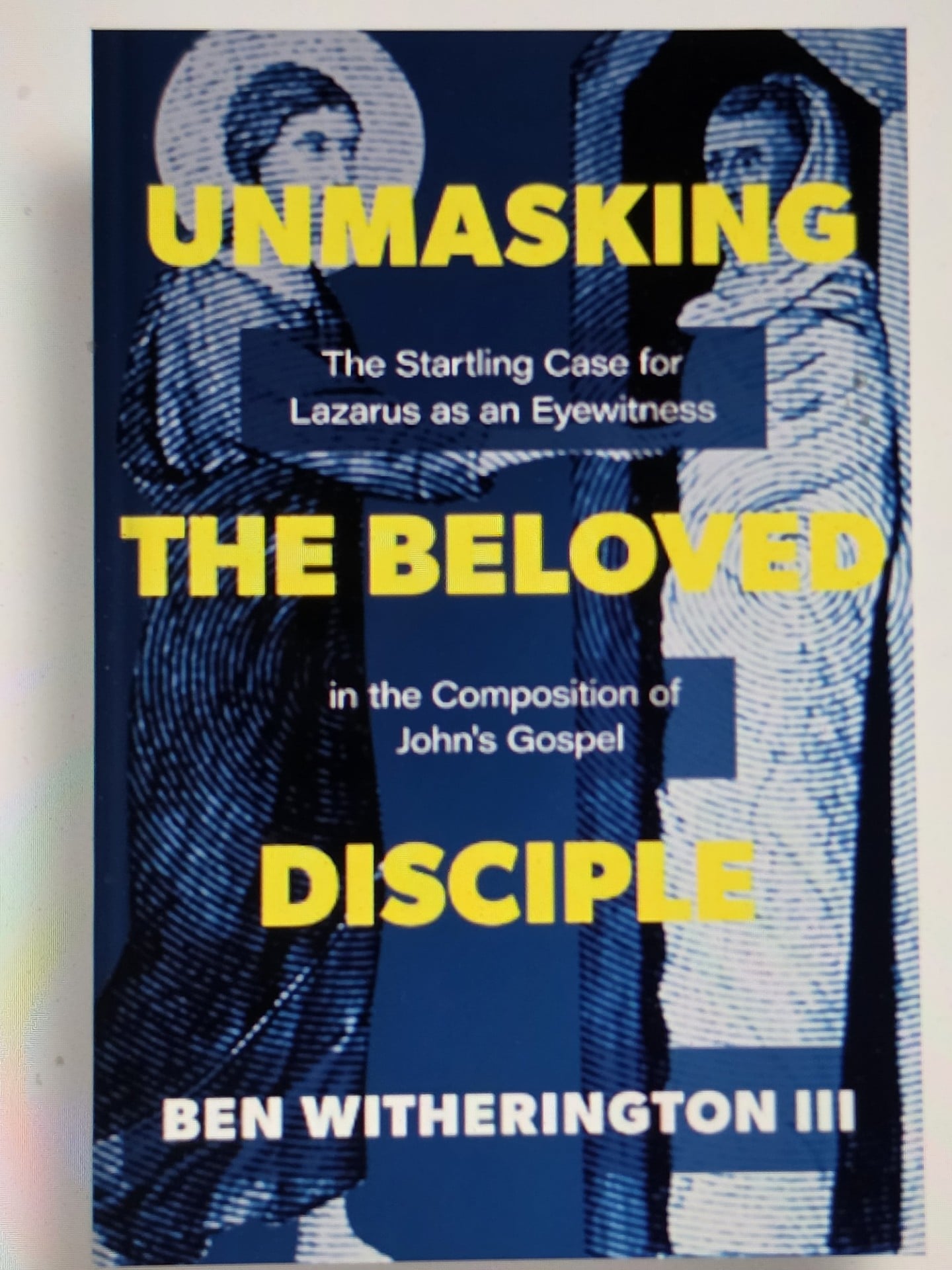
Jesus’ Best Friend– Raised from the Dead!
1 day ago
9

Popular


25 Years Later: Remembering 9/11
3 weeks ago
75

How to Use ‘The Biggest Story Online Curriculum’
2 weeks ago
72

‘The Sing! Hymnal’ 31-Day Reading Plan
3 weeks ago
70
 English (US) ·
 © Daily Bible 2026. All rights are reserved
